



Science Cite aims to provide an enriching conference experience for all presenters, whether participating in-person or virtually. Below are the detailed instructions for oral, poster, and virtual presentations:
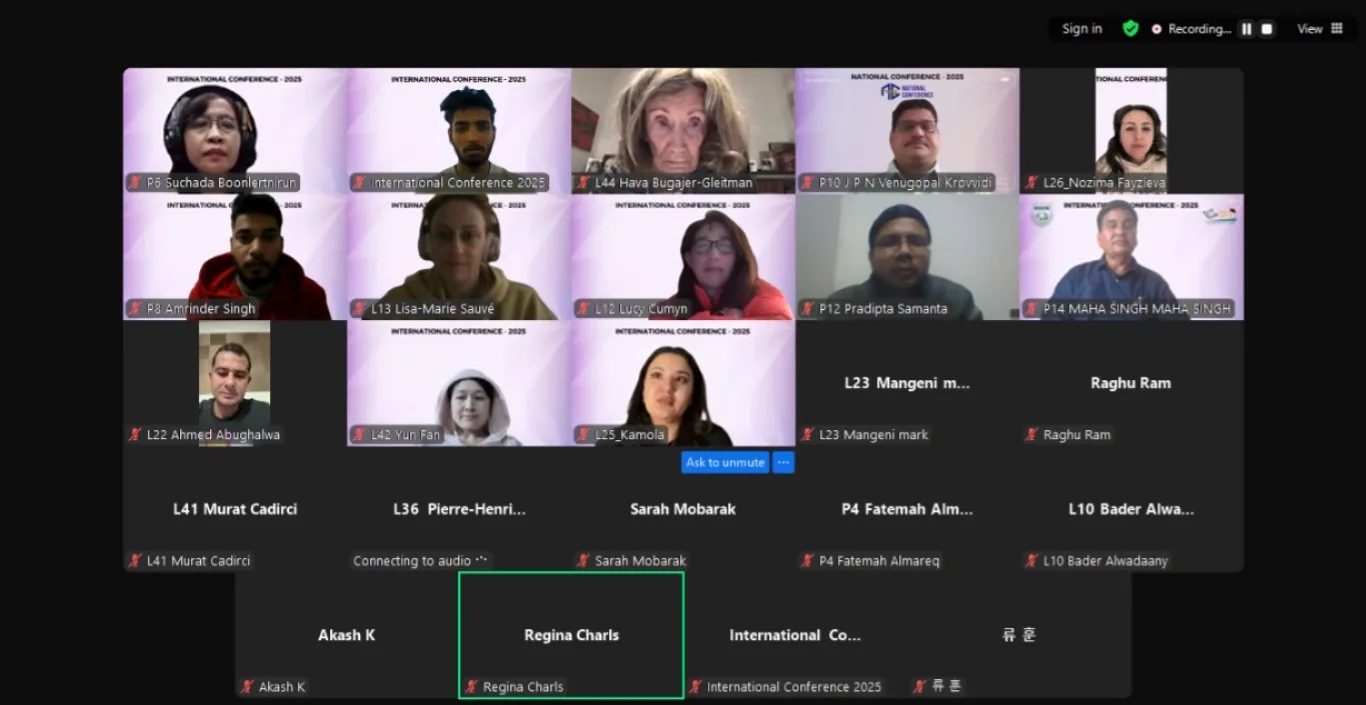
Oral Presentations
Each oral presentation is allocated a 12-minute time slot, including 2 minutes for questions and discussion.
The presentation must be delivered by one of the authors or co-authors.
Presenters may use their own laptop or the provided PC (Windows system with PowerPoint). Ensure your presentation is saved on your laptop or a USB drive.
A conference volunteer will assist in managing the session and initiating presentations.
Poster Presentations
The maximum poster size is 36 inches wide by 48 inches high (3 ft. x 4 ft.).
Authors are responsible for printing and bringing their own posters.
Posters should be set up in the morning before the opening ceremony and removed at the end of the session.
At least one author or co-author must be present during the poster session for discussions.
Posters will be displayed in a designated area within the conference venue.
Virtual Presentations
For Live Video Presenters :
Submission: Abstracts and full papers will undergo a peer-review process, and acceptance notifications will be sent prior to the conference.
Pre-conference Test Run: Organizers will conduct a test session close to the conference date to ensure the virtual setup is functional.
Conference Day: Presenters will receive detailed guidelines on connecting and delivering their live presentation during the event.
Post-presentation: Presenters will receive a digital copy of the conference proceedings and a Certificate of Presentation.
A laptop with a headset or a desktop with a webcam and microphone.
The latest version of the Zoom application installed.
Disable any antivirus software before the presentation to avoid issues with webcam access.
A professional presentation environment that is bright, quiet, and features a suitable background.